AI lighting design and specification for architects: a practical workflow
AI can make lighting research and specification drafting faster, but product data, photometry, controls and compliance decisions still need verifiable evidence.
AI lighting specification tools can help architects turn a project brief into clearer luminaire criteria, compare product information and identify questions about optics, controls and emergency operation. They cannot confirm that a lighting scheme is compliant, complete a reliable photometric design without validated inputs or replace the approved product datasheet.
That distinction matters. Used well, AI reduces time spent searching, sorting and rewriting information. Used uncritically, it can introduce plausible-sounding product details that have never been tested, published or approved.
The practical role of AI in architectural lighting is therefore not to make the final decision. It is to help the project team reach a properly evidenced decision more efficiently.
What AI lighting specification means in practice
Lighting specification combines design intent with measurable requirements. The architect may begin with the atmosphere, ceiling language and spatial hierarchy, while the final luminaire choice must also account for mounting, output, light distribution, glare, colour quality, controls, emergency provision, maintenance and product availability.
An AI assistant can organise these requirements, explain unfamiliar terminology and search a defined body of product information. Its output is useful when it points back to a current datasheet, photometric file or product range. An answer without a traceable source should be treated as a prompt for checking, not as specification evidence.
| Task | Where AI helps | What still needs verification |
|---|---|---|
| Brief development | Turns loose requirements into a structured list of room, mounting and performance criteria. | The client brief, budget, programme and responsibilities. |
| Luminaire research | Surfaces relevant product families and comparison points. | Current datasheets, model codes, options and availability. |
| Controls | Explains the differences between DALI, Casambi, SwitchDIM, phase dimming and sensors. | Driver compatibility, wiring, interfaces and commissioning. |
| Lighting calculations | Helps prepare inputs and interpret results. | Validated photometric files, geometry, reflectances, maintenance factors and the calculation itself. |
| Specification writing | Drafts clear, consistent clauses from approved information. | Every performance value, standard reference and product requirement. |
From a room brief to a product comparison
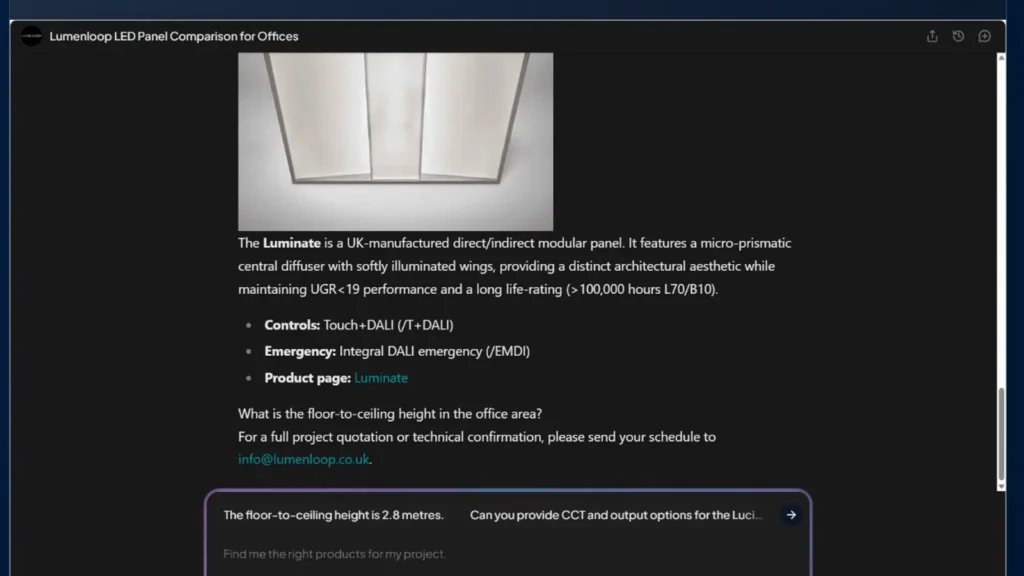
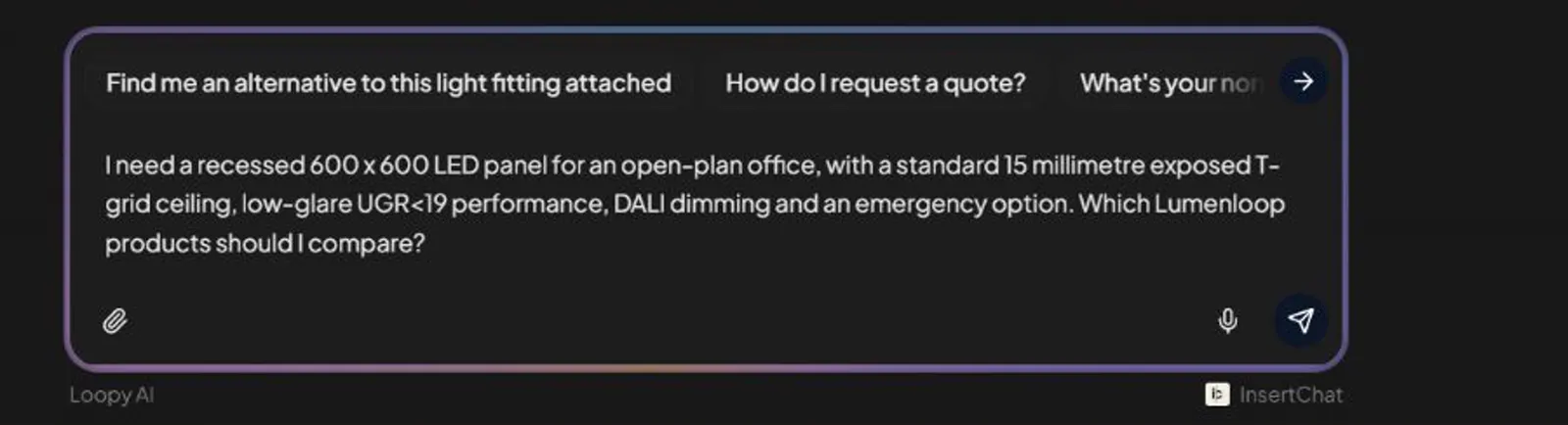
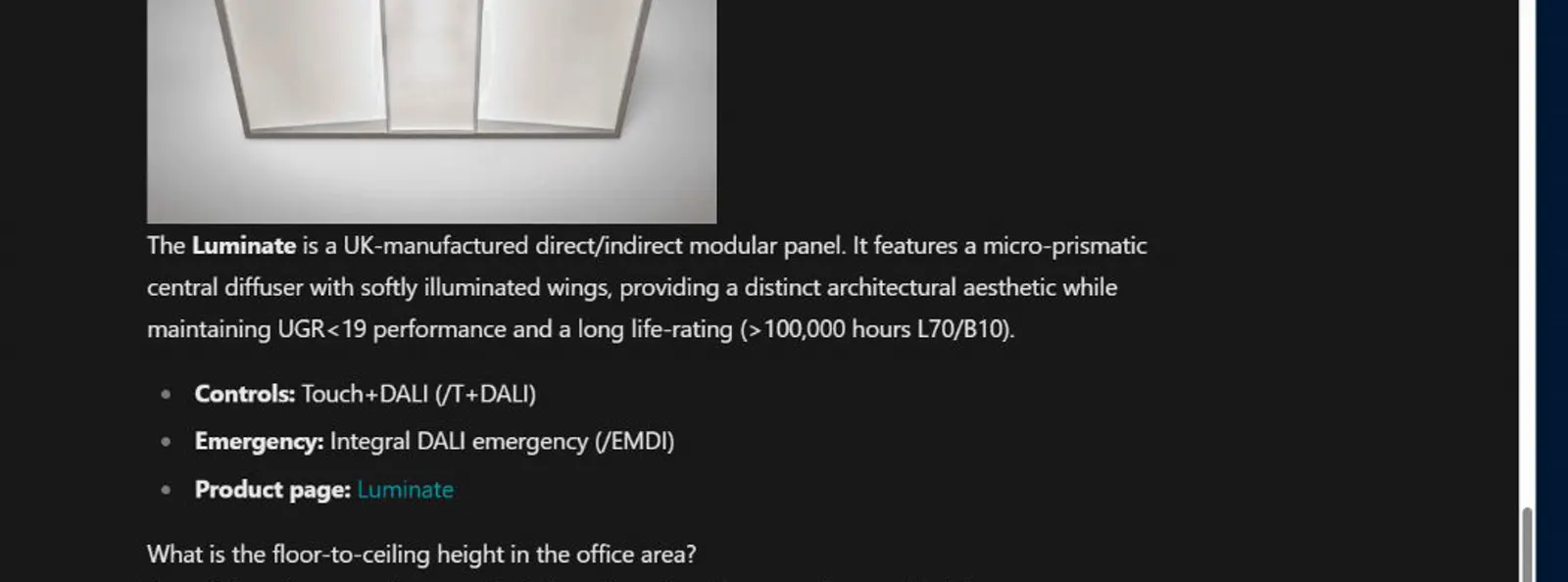
This is the useful pattern: give Loopy the room, ceiling, glare, controls and emergency requirements, then treat the reply as a shortlist to verify.
Where AI tools fit in the lighting design workflow
Artificial intelligence is only one part of a lighting design workflow. Different design tools answer different questions, and their outputs should not be treated as interchangeable.
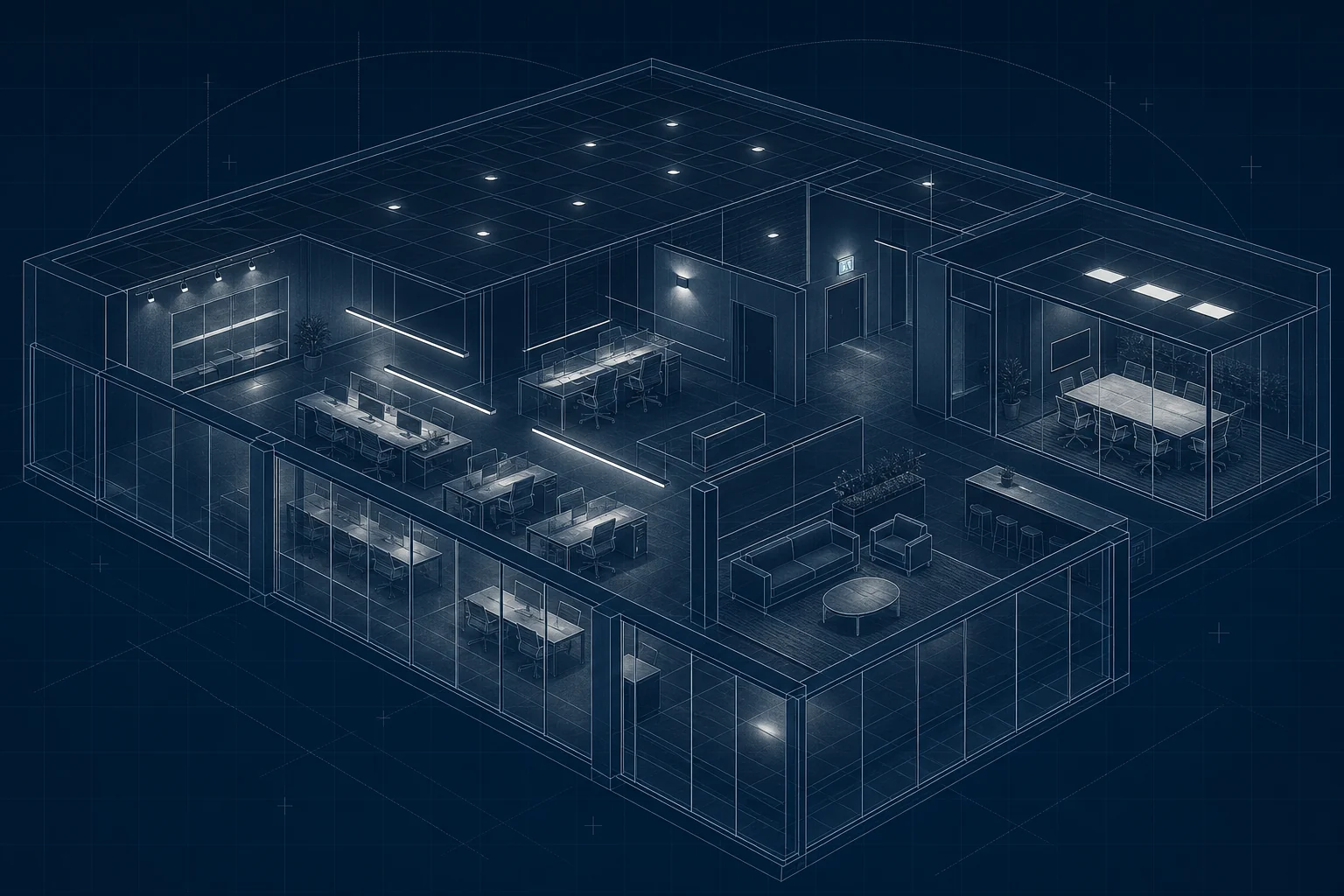
- Generative AI tools can accelerate briefing, ideation, comparison and drafting. A generative image may communicate possible lighting effects, but it is not a lighting calculation.
- Lighting simulation software, such as DIALux, uses project geometry, reflectances and validated photometric files to calculate illuminance and related metrics. Its accuracy is governed by the inputs and calculation method.
- BIM and schedule tools coordinate product and project data. They can integrate approved information into the architectural design, but a populated object is not proof that the data is current.
- Control-system tools configure devices, groups, scenes and behaviour. They do not remove the need to define the driver, interface, wiring and commissioning scope.
An architect, lighting designer or interior designer can use AI to explore a decision and expose missing information. The same boundary applies whether the search term is luminaire, light fitting or fixture: verify the exact product and optic before it enters the specification.
For international work, an energy code may add project-specific lighting-power and control requirements. UK projects should be checked against the applicable regulations, standards, client brief and professional guidance rather than assuming a general AI answer demonstrates energy-code compliance.
Five useful applications for architects and specifiers
1. Turning design intent into searchable criteria
“A calm office ceiling” is a valid design objective, but it is not yet a luminaire specification. AI can help translate it into questions about recessed or suspended mounting, direct or direct/indirect distribution, glare control, colour temperature, colour rendering, emergency integration and control method.
The architect still decides which criteria are important. The assistant makes the decision set easier to see.
2. Comparing luminaire types before comparing products
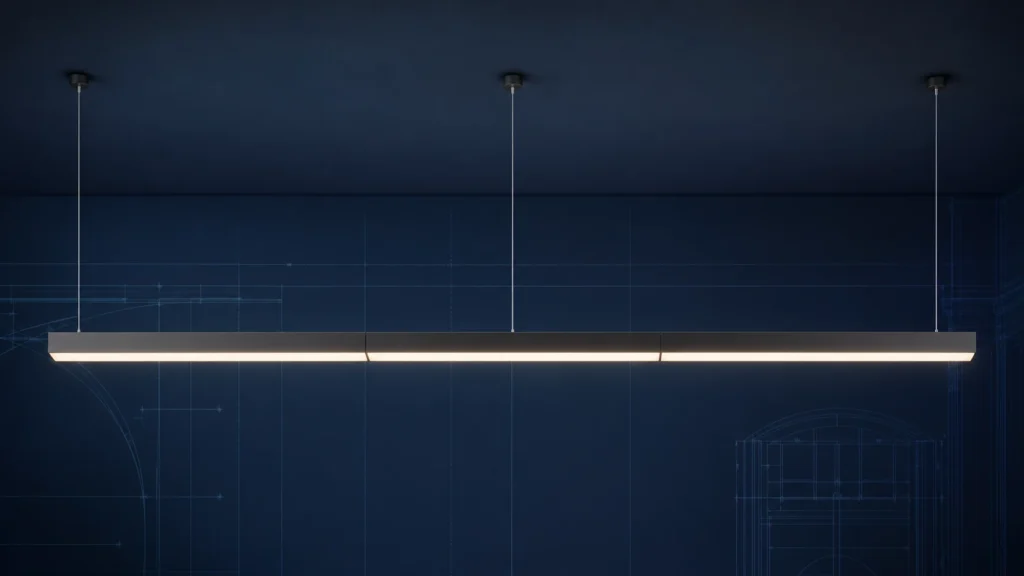
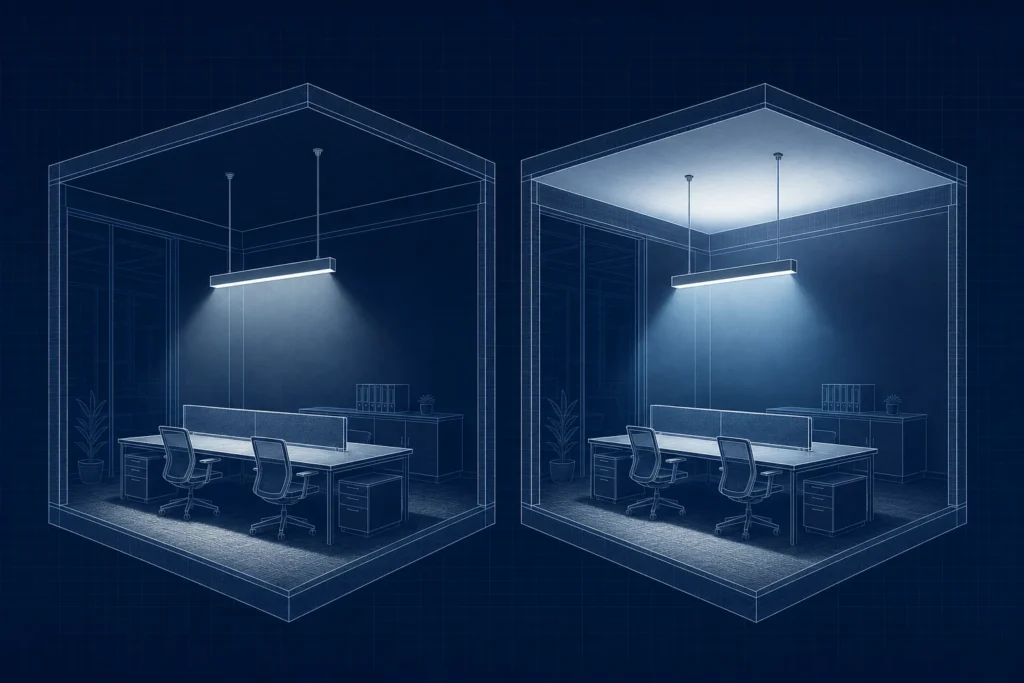
Early product searches often become noisy because fundamentally different luminaires are compared as if they were interchangeable. A flat LED panel, a microprismatic recessed luminaire and a suspended direct/indirect fitting may all serve an office, but they create different ceiling effects and require different installation details.
AI can structure that comparison by product form, mounting method, light distribution and visual effect before specific model codes enter the conversation. Lumenloop’s commercial luminaire configurator provides a separate, filter-led way to compare published product ranges.
3. Interrogating control requirements
Controls are a common source of specification errors because similar outcomes can require different control gear and wiring.
- DALI uses a digital control bus and compatible DALI control gear.
- Casambi uses Bluetooth Low Energy within a wireless mesh, with compatible nodes or drivers.
- SwitchDIM uses a retractive push switch with a compatible dimmable driver.
- Phase dimming controls compatible drivers over the mains supply and is not equivalent to DALI or SwitchDIM.
- Sensors may provide switching, dimming, occupancy response or daylight linking, depending on the control architecture.
AI is useful for exposing those distinctions. The final schedule must name the required driver, interface, sensor behaviour and commissioning responsibility. See Lumenloop’s guide to commercial lighting controls for the main control methods.
4. Preparing a cleaner product schedule
An assistant can check a draft schedule for missing fields such as mounting, output, CCT, CRI, optic, finish, IP rating, control gear and emergency option. It can also flag inconsistent terminology across rooms.
It should not invent a value to fill a gap. A blank field is safer than a confident but unsupported answer.
5. Producing better questions for manufacturers
AI can help turn a general enquiry into a concise list of decisions. That makes conversations with manufacturers more productive because the request arrives with the room type, ceiling condition, performance priorities and control strategy clearly separated.
This is especially useful when several disciplines are using different language for the same requirement.
What AI must not be allowed to approve
AI output should never be treated as automatic approval of:
- maintained illuminance, uniformity or glare performance;
- a product’s suitability for a particular ceiling, environment or fire strategy;
- driver, dimmer, sensor or building-management compatibility;
- emergency-lighting layout, duration, testing or mode of operation;
- current product availability, lead time or ordered configuration;
- compliance with a standard or regulation.
Those decisions depend on project-specific information and current technical evidence. Photometric calculations should use the correct IES or LDT file for the specified luminaire and optic. Product options should be checked against the current datasheet. Emergency and controls arrangements should be confirmed as part of the electrical design.
A reliable AI-assisted lighting workflow
- Define the room and ceiling. Record the space type, dimensions, ceiling height, mounting constraints, surface reflectances and relevant interfaces.
- State the design priorities. Separate visual effect, maintained light level, glare, colour quality, controls, emergency operation and circularity requirements.
- Use AI to organise the questions. Ask for missing inputs, suitable luminaire categories and the technical differences that need checking.
- Open the source material. Check the current product page, datasheet, photometry and installation information.
- Complete the calculation and coordination. Use validated project geometry and photometric files in the appropriate design software.
- Write only confirmed information into the schedule. Keep assumptions visible and remove any unsupported AI-generated values.
The Lumenloop AI Lighting Assistant is designed to help structure product-range and specification questions. Product pages and datasheets remain the source for confirmed product information.
Watch the exchange
- Open Loopy from the bottom-right launcher or the dedicated AI Lighting Assistant.
- Name the space, mounting type and the decisions that matter. The example asked for a recessed 600 × 600 office panel with low-glare performance, DALI dimming and an emergency option.
- Loopy returned relevant product families and asked which ceiling type was being used.
- Open the product information and datasheets, then verify photometry, the exact driver, emergency arrangement and ordered configuration before specification.
Prompts that produce more useful answers
A good prompt describes the decision without pretending the answer is already known. For example:
- “List the information needed to compare recessed and suspended luminaires for an open-plan office with a visible ceiling grid.”
- “Explain the driver and wiring differences between DALI, Casambi and SwitchDIM for a refurbishment project.”
- “Create a datasheet-checking list for a low-glare office luminaire. Do not infer any missing product values.”
- “Review this luminaire schedule for missing fields. Mark anything that requires manufacturer confirmation.”
- “Separate the general-lighting, controls and emergency-lighting questions in this project brief.”
The instruction not to infer missing values is important. It makes the expected boundary explicit.
How to judge an AI lighting answer
Before using an answer in project information, ask five questions:
- Does it identify the product or technical source?
- Is that source current and relevant to the exact model?
- Has it separated guidance from confirmed performance?
- Has it stated what still requires calculation or coordination?
- Would the answer remain defensible if the AI wording were removed?
If the answer fails any of these checks, it is research material rather than specification information.
Frequently asked questions
Can AI design a lighting scheme?
AI can help prepare design inputs, explain options and interpret outputs. A dependable scheme still requires validated geometry, reflectances, maintenance factors, photometric files and professional judgement.
Can AI select a compliant luminaire?
It can identify possible product categories or published options, but compliance is assessed across the complete installation against the project requirements. The datasheet and lighting calculation must be checked.
Can AI write a luminaire specification?
It can draft and standardise wording from approved information. Every model code, performance value, option and standard reference should be verified before issue.
Will AI replace lighting designers?
AI is strongest at retrieval, comparison and repetitive documentation. Spatial judgement, visual intent, risk ownership and coordination remain human responsibilities.
What is the safest first use of AI in lighting specification?
Use it to create a checklist of missing inputs or to compare terminology. These tasks save time without asking the system to approve project performance.
Use AI for speed, then verify the specification
AI can make lighting specification faster when it helps architects ask better questions and find the right evidence. It becomes risky when fluent wording is mistaken for verified engineering information.
Use the assistant to structure the brief, compare product types and identify gaps. Use current datasheets, photometry and project calculations to make the decision. For product options that need a confirmed technical response, request specification support from Lumenloop.
Use the conversation to create a better question, not a final specification.
Keep the useful shortlist, then verify the exact product, output, optics, driver, controls, emergency option and photometry against current Lumenloop information.
Open specification support