
Output1,625–2,950 lm
WALL MOUNTED indirect LED wall light
Elevateindirect LED wall light
Elevate.
indirect LED wall light.
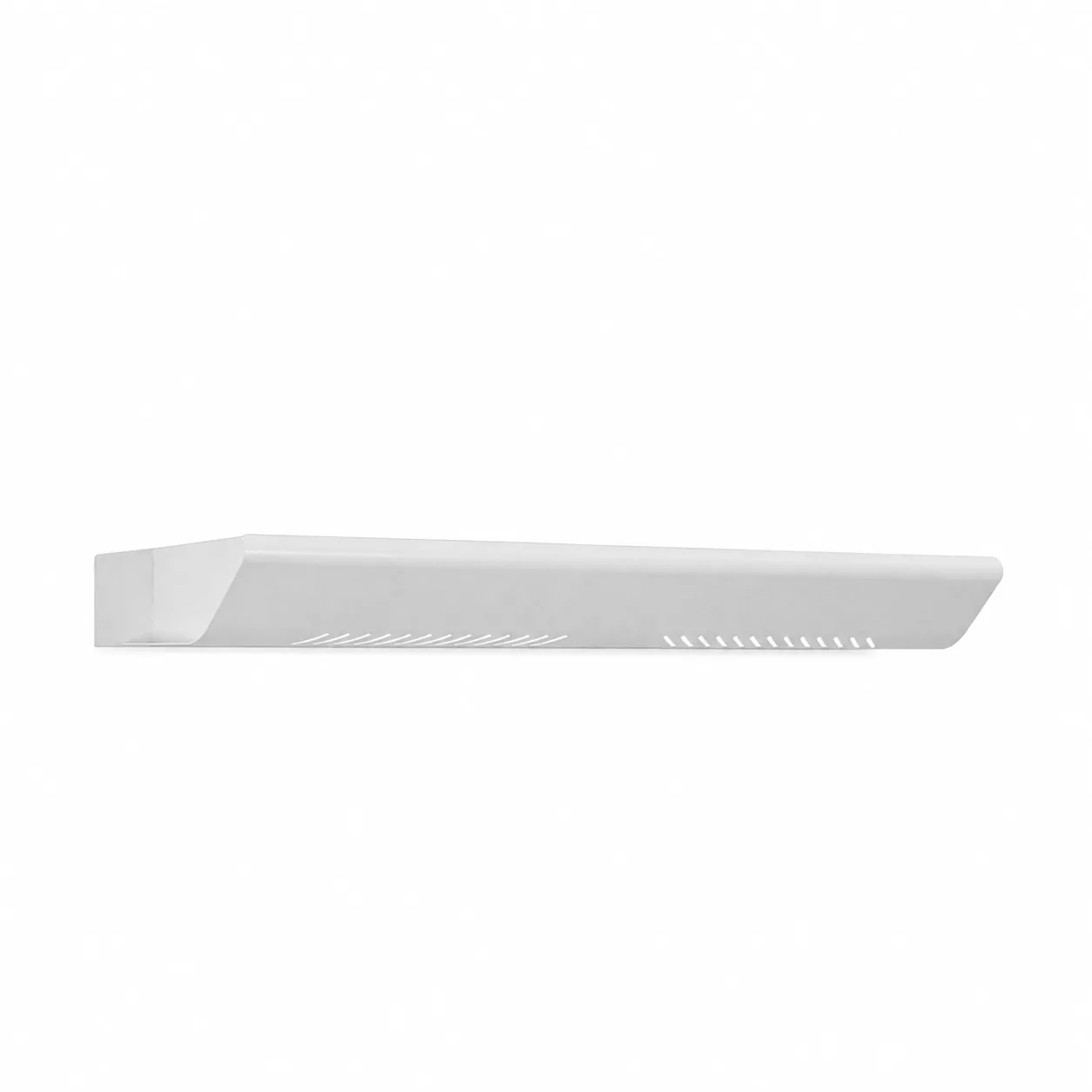
Elevate is an indirect LED wall light with intelligent controls, delivering controlled illumination for commercial interiors.
- Output
- 1,625–2,950 lm 6 model codes
- Colour temperature
- 3000K / 4000K model dependent
- Options
- 4 listed controls and accessories
01 / 05
Output1,625–2,950 lm
Colour temperature3000K / 4000K
ControlsDALI
Configuration4 listed options
Product configurator
Configure your Elevate
Choose the Elevate model first, then add only the control, optic, emergency, finish or mounting options required for the project.
LuminaireProduct family
indirect LED wall lightElevate is a wall-mounted indirect LED luminaire. This architectural luminaire combines Philips LED systems with intelligent controls, delivering controlled illumination for commercial interiors
QuantityNumber of fittings
Added to the quotation email
Technical filesProduct and design information
At a glance
Elevate indirect LED wall light quick specification.
Check the installation, output, colour temperature and control information for this indirect LED wall light before reviewing the full model schedule.
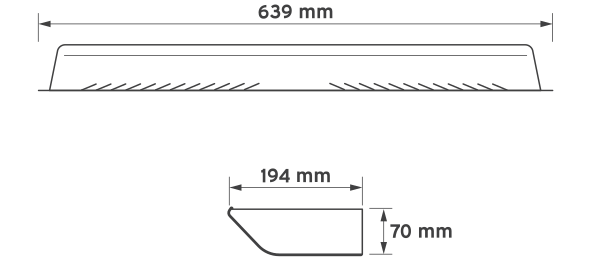
Technical referenceNot to scale
Key specificationCatalogue page 77
- 01Mounting
- Wall mounted
- 02Mounting
- Wall-mounted indirect LED luminaire.
- 03Output
- 1,625–2,950 lm
- 04System power
- 15 W / 23 W / 21 W / 29 W / 25 W
- 05CCT
- 3000K / 4000K
- 06Controls
- DALI
Product files
Download Elevate technical files.
Available files for this exact product are listed below.
Technical description
Wall mounted LED luminaire specification for Elevate.
Elevate is a wall-mounted indirect LED luminaire for commercial interiors, with listed output options and control details shown in the technical information. Key specification details include life >90,000 hours (L70 / F10).
Elevate construction and mounting
For wall mounted indirect LED luminaire specifications, compare the model codes, outputs and available options below.
Performance and installation details include life >90,000 hours (L70 / F10).
Output, optics and colour temperature
Elevate output is 1,625–2,950 lm.
System power options are 15 W / 23 W / 21 W / 29 W / 25 W.
Colour temperature options are 3000K / 4000K.
Controls, emergency and project options
Control options include Tunable white + DALI, Ea.
Emergency options include 3-hour emergency.
System power15 W / 23 W / 21 W / 29 W / 25 W
Colour temperature3000K / 4000K
FinishSee datasheet
ControlsDALI
EmergencyThree-hour emergency
See the Lumenloop wall-mounted lighting range for related mounting, output and optic options.
Product typeindirect LED wall light
Model codesELEVATE.001, ELEVATE.002, ELEVATE.003, ELEVATE.004, ELEVATE.005, ELEVATE.006
Output1,625–2,950 lm
System power15 W / 23 W / 21 W / 29 W / 25 W
Colour temperature3000K / 4000K
FinishSee datasheet
ControlsDALI
EmergencyThree-hour emergency
Models, options and accessories
Elevate model codes and specification options.
Choose the Elevate base model, then review the available controls, emergency arrangements, optics and accessories.
Model codes6 listed configurations
6 model configurations are shown with their output, CCT, power and finish information where available.
1,625 lm15 W
1,625 lm15 W
2,350 lm23 W
2,350 lm21 W
2,950 lm29 W
2,950 lm25 W
Additional Elevate options and accessoriesProduct images and specification choices

Finish/BK
Black body (RAL 9005)

Controls/T+DALI
Touch dimming and DALI control

Controls/EA
Presence and daylight sensor

Emergency/EM
Emergency conversion

Custom/PV
Other colours and specifications on request
Choose the base model first, then add the required option and accessory suffixes shown in the product datasheet.
Why Elevate
Why specify this indirect LED wall light?
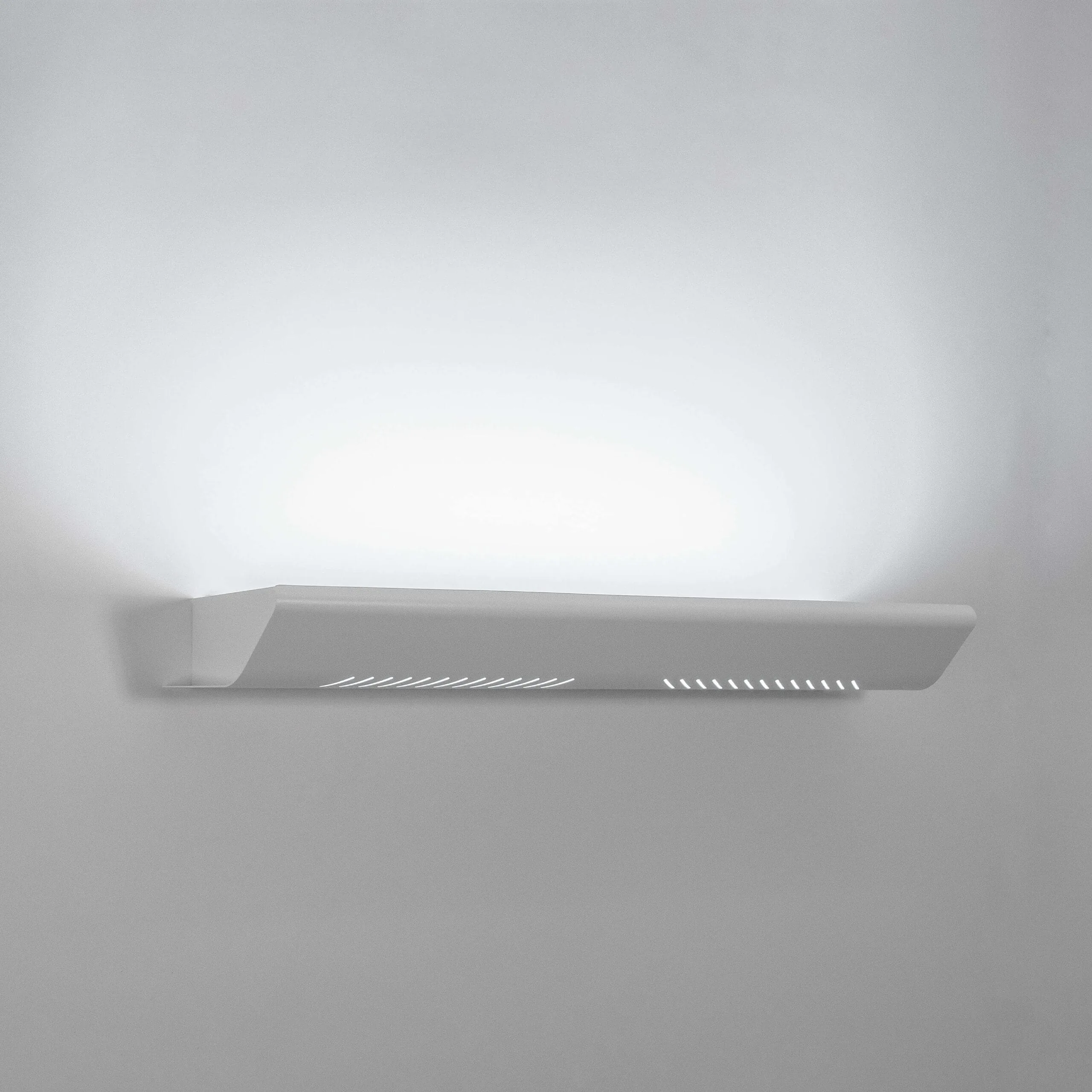
Elevate is a wall-mounted indirect LED luminaire. This architectural luminaire combines Philips LED systems with intelligent controls, delivering controlled illumination for commercial interiors
The 6-model family combines 1,625–2,950 lm, 3000K / 4000K and 4 listed configuration choices without changing the core product identity.
Elevate options kept clear for project specification
Base model, control, emergency and accessory decisions remain visibly separate in the configurator.
This keeps the fitting code readable while retaining the breadth of the current product range.
architectural
Elevate is available for projects requiring architectural lighting.
commercial
Elevate is available for projects requiring commercial lighting.
high efficacy
Elevate is available for projects requiring high efficacy lighting.
residential
Elevate is available for projects requiring residential lighting.
Output1,625–2,950 lm6 listed models
CCT3000K / 4000KModel dependent
Options4Controls and accessories
Typical applicationsWhere Elevate is specified
Wall Mounted
Use Elevate where wall mounted lighting is required.
Commercial interiors
Elevate is a wall-mounted indirect LED luminaire. This architectural luminaire combines Philips LED systems with intelligent controls, delivering controlled illumination for commercial interiors
Commercial interiors
Elevate is a wall-mounted indirect LED luminaire. This architectural luminaire combines Philips LED systems with intelligent controls, delivering controlled illumination for commercial interiors
Commercial interiors
Elevate is a wall-mounted indirect LED luminaire. This architectural luminaire combines Philips LED systems with intelligent controls, delivering controlled illumination for commercial interiors
Compare Elevate with the wider wall mounted when reviewing output, optics, mounting, controls and emergency requirements.
corridor LED bulkhead
Sentinel
Designed for wall or ceiling mounting in corridors.
Compare product →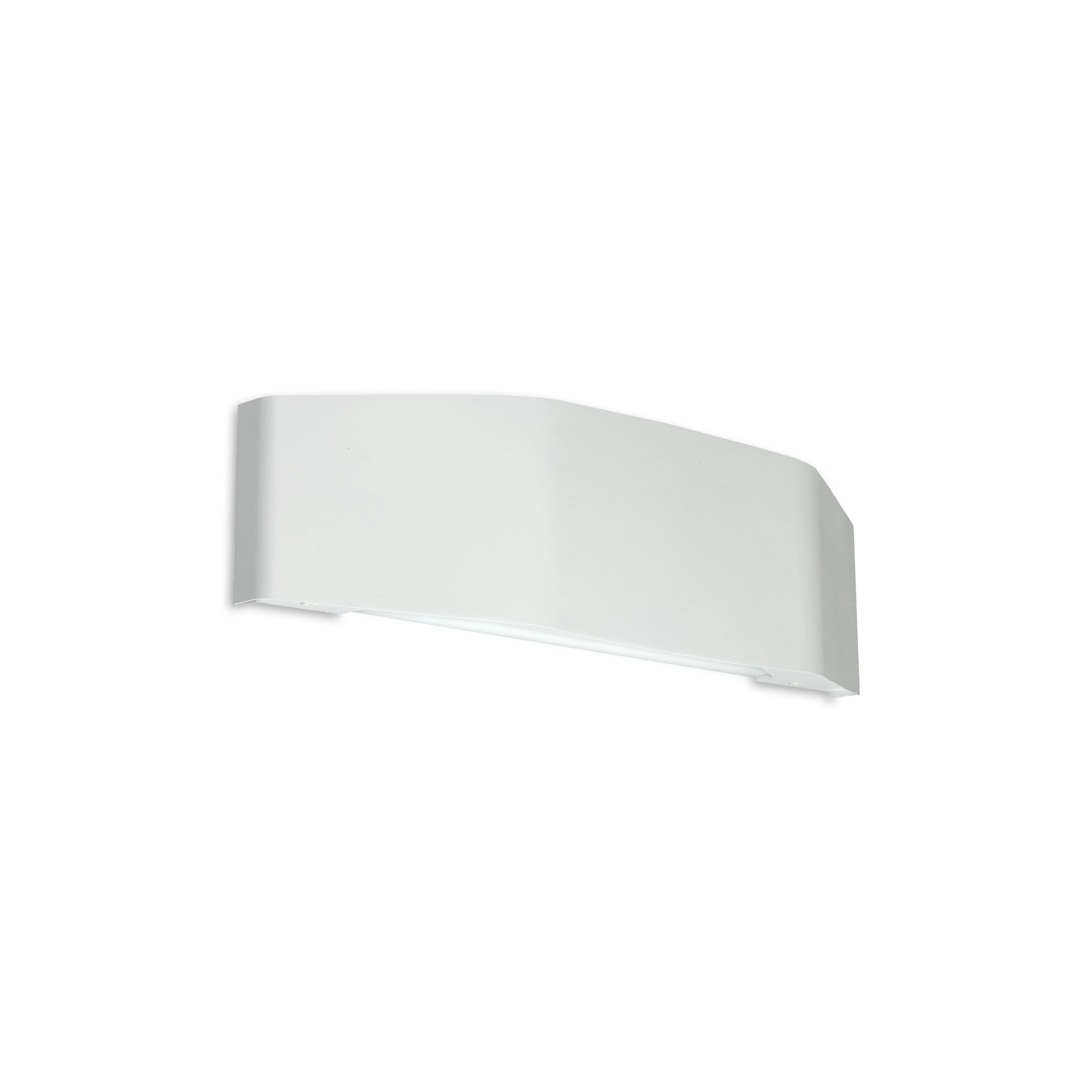
bi-directional LED wall light
Zenith
The Zenith is a bi-directional LED wall light, delivering soft, uniform uplight and downlight for architectural and accent lighting.
Compare product →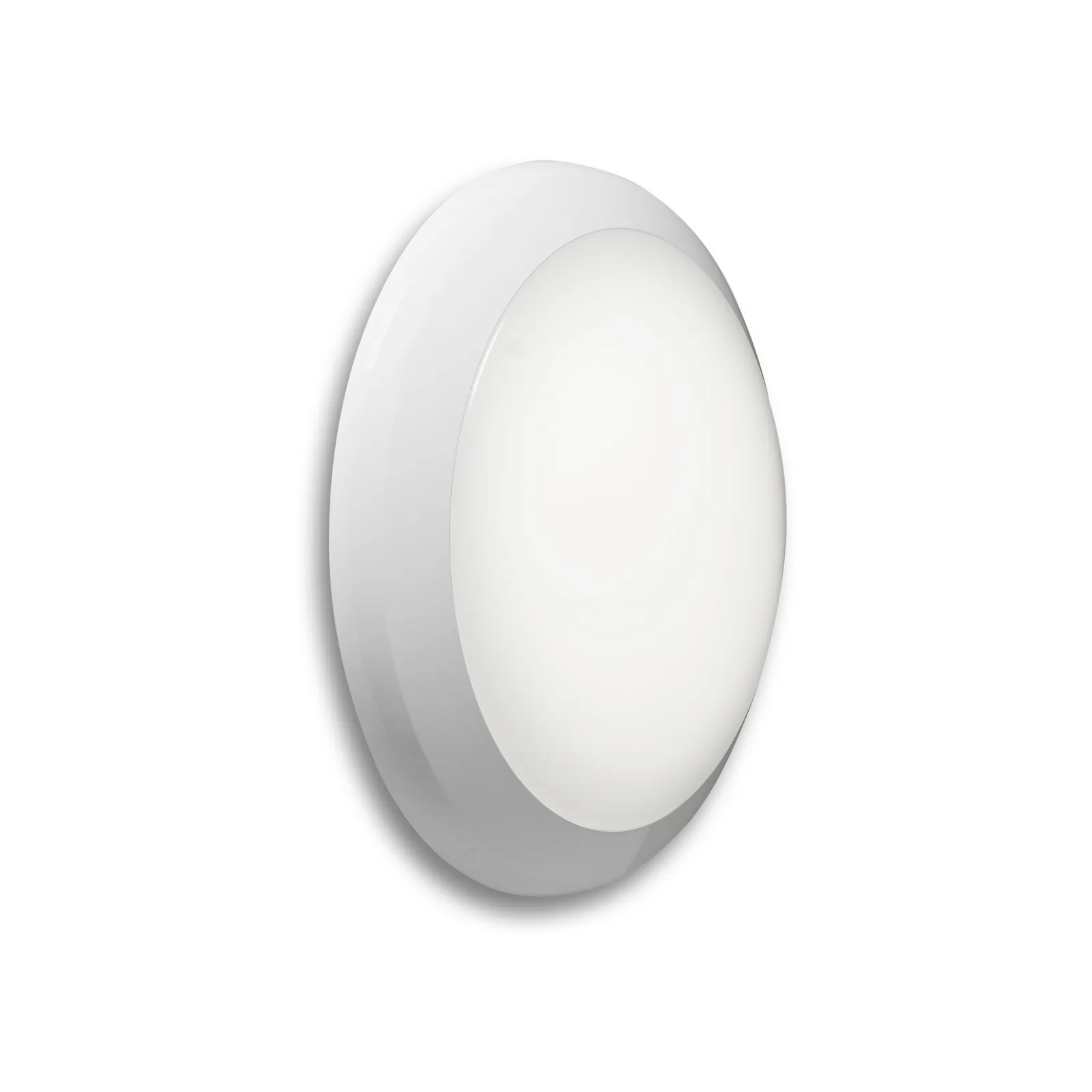
IP65 IK10 LED bulkhead
Harbor
Lumenloop Harbor is an IP65 IK10 LED bulkhead for corridors, circulation selections, service areas and utility spaces.
Compare product →Specification questions
Elevate details worth checking.
Direct answers for consultants, contractors and commercial lighting buyers.
6 configurations are listed: ELEVATE.001, ELEVATE.002, ELEVATE.003, ELEVATE.004, ELEVATE.005, ELEVATE.006.
The product family covers 1,625–2,950 lm. Colour-temperature choices are 3000K / 4000K.
Control options include DALI. Each option requires the matching control gear and wiring arrangement.
Emergency options include Three-hour emergency. Select the emergency requirement separately from the base model and normal control method.
The configurator shows the product dimensional drawing. The product datasheet contains further construction and installation information.
Configure the fitting, enter the quantity and use Request a quote. The enquiry form opens with the selected product code and quantity already included. You can also email info@lumenloop.co.uk or call 02045 721 554.
Yes. The Elevate datasheet is linked in the hero, configurator and technical section.
Our average lead time is 10 working days for standard product configurations. This excludes custom accessories, custom finishes and other custom variations; contact us to confirm timing for non-standard requirements.
Product quotation
Request a quotation for Elevate.
Send the selected code, quantity and any mounting, control, emergency or finish requirements. Your configurator choices are carried into the form automatically.
Configuration retainedThe product code and quantity update as you configure the fitting.
Useful project detailAdd the application, required date and any option requirements you already know.
Direct contactPrefer to speak? Call 02045 721 554 or email Lumenloop.
Average lead time10 working days for standard product configurations. Custom accessories, custom finishes and other custom variations are excluded; contact us to confirm timing.