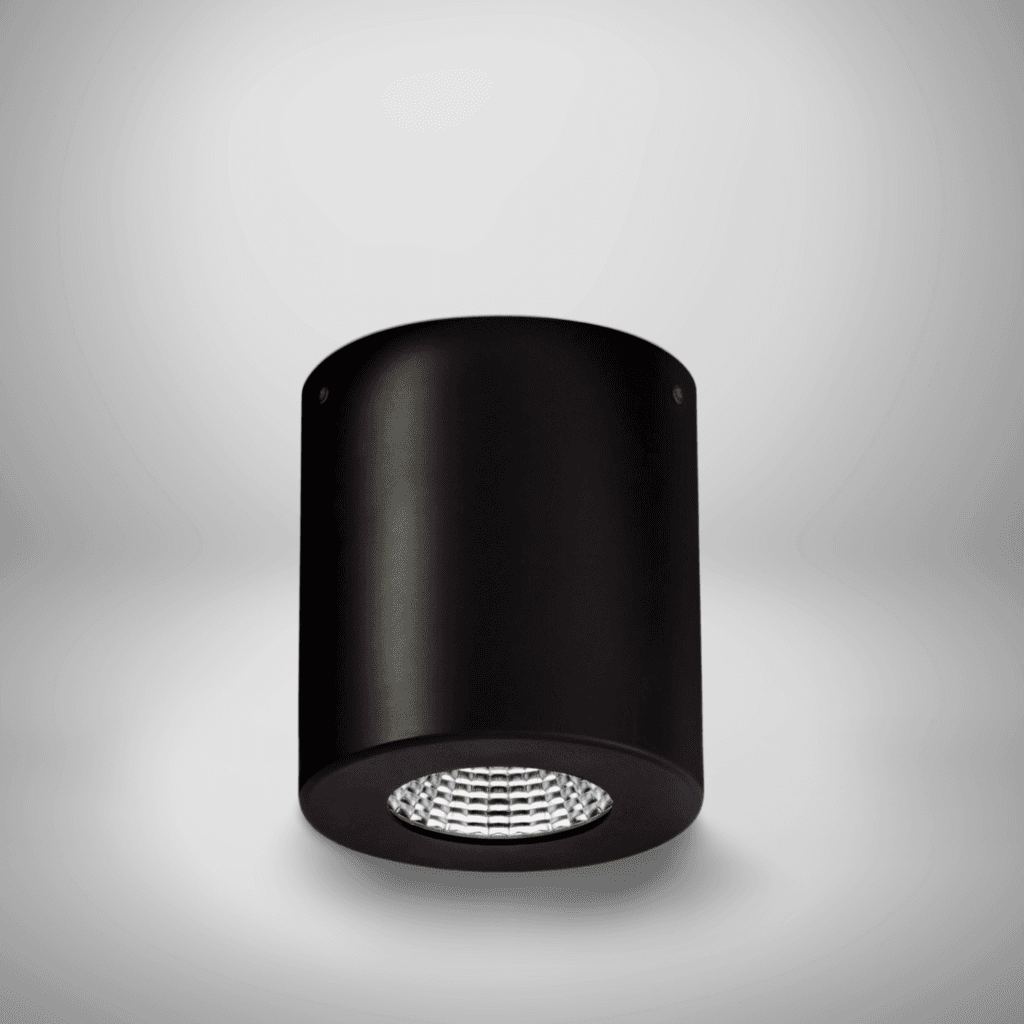
Lumens Calculator
Lumen Calculator
Calculate the total lumens required for your space, then view matching Lumenloop products and suggested base model codes.
Total lumens required
Calculation notes
Recommended products
Matched to the application, target lux level, lumen requirement and preferred fitting style.

Lumens Calculator – How Many Lumens Do You Need?
A lumens calculator helps you work out how much light a space needs based on its size and use.
The basic formula is:
Lumens = Area (m²) × Lux ÷ (Maintenance Factor × Utilisation Factor)
- Lumens = total light output required
- Lux = light level needed for the task
- Maintenance factor = accounts for performance over time
- Utilisation factor = how efficiently light is distributed
Use the calculator above to get an instant result, then use the guidance below to turn that into the right lighting setup.
How Many Lumens Do I Need for a Room?
Here are typical UK lighting levels (lux) used in real projects:
- Living areas: 100–150 lux
- Offices (general work): 500 lux
- Meeting rooms: 300–500 lux
- Retail spaces: 500–1000 lux
- Warehouses: 100–200 lux
Once you have your lux level, multiply it by the room size to estimate total lumens.
Example:
A 20m² office × 500 lux = 10,000 lumens required
From there, the question becomes:
what fittings deliver that output properly?
- Offices and task-based environments typically use linear lighting or suspended luminaires for even, low-glare distribution
- Smaller spaces or feature-led environments often suit commercial downlights for more controlled, focused light
What Your Result Means in Practice
Your result shows the total lumens required for the space, but lighting design is about how that light is delivered.
The calculator also suggests:
- a starting number of fittings
- a basic layout (rows × columns)
- suitable product types based on your application
This bridges the gap between a raw calculation and a real-world lighting scheme.
For example, 10,000 lumens could be achieved with:
- a few high-output fittings
- or more evenly spaced lower-output luminaires
The right approach depends on glare, spacing, ceiling height and application.
Why This Lumen Calculator Is More Accurate
Most online tools just calculate:
Area × Lux = Lumens
That’s too simplistic.
This calculator includes:
- Maintenance factor → accounts for dust, ageing and real performance
- Utilisation factor → reflects how efficiently light is used in the space
- Application-based lux levels → aligned to real use cases (office, retail, healthcare, etc.)
This makes it far more useful for early-stage specification and product selection, not just rough estimates.
From Lumens to Lighting Design
Once you know your total lumens, the next step is choosing the right type of lighting.
Different applications require different approaches:
- Offices → uniform, low-glare lighting (typically linear or suspended systems)
- Circulation areas → lower output, wider spacing
- Retail & hospitality → layered lighting with directional control
- Industrial & logistics → higher output with practical spacing
If you’re working on a compliance-led project (e.g. offices), lighting should align with BS EN 12464-1, particularly for lux levels and glare control.
To refine your layout and ensure proper distribution, use the
lux level estimator to move from total lumens to actual light levels across the space.
Choosing the Right Fittings
After calculating lumens, you should be thinking in terms of fixture strategy, not just output.
As a starting point:
- Use suspended luminaires or linear lighting where uniformity and visual comfort matter
- Use downlights where you need compact fittings, feature lighting, or more flexible layouts
The product recommendations in the calculator are designed to reflect this — matching your lumen requirement with realistic fitting options and base model codes.
You can also explore the full
commercial lighting range
to compare alternatives across applications.
When to Use a Lumens Calculator (And When Not To)
A lumen calculator is ideal for:
- early-stage planning
- comparing lighting options
- estimating fitting quantities
- budgeting and feasibility
It is not a full lighting design.
You’ll still need to consider:
- spacing and layout
- glare (UGR)
- beam angles
- surface reflectance
- mounting height
That’s why the best approach is:
1. Use this calculator → get total lumens
2. Refine using layout tools → check lux distribution
3. Select fittings → match application and performance